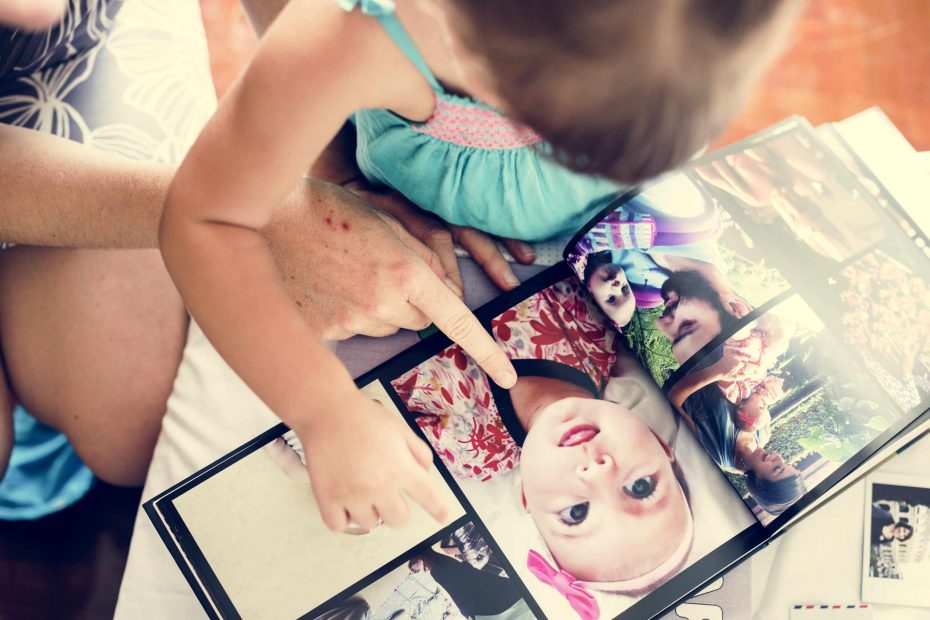
A photo book template helps you make the screen look tidy in a flash, but it can’t determine the purpose of the book. If the page sequence is muddled, it can even turn a tidy layout grid into a random jumble. Sure, a template can take care of margins, gutters, and placement of photos, but it can’t make the order of the photos that is doing the heavy lifting: deciding where the book starts, which moments are important, and how two pages flow into each other.
Before you choose a page template, test your page order. Take twelve photos from your Keep folder, sort them into a rough order on your screen or in a separate folder. Don’t crop them, add a caption, or pick a cover image yet. Just try to see if the images are moving as they should. For example, a travel book should move from your arrival to the streets, the meals, the small details, the people, and then end with a reflective final shot. A book celebrating a family event should move from the prep, to the gathering, to the main events, to the tiny reactions, and then to the last image.
The problem arises when every image stands alone. When newbies pick an image because it is beautiful in itself, it’s not uncommon to wonder why the book seems so choppy. A gorgeous wide landscape can work nicely right after a close-up head shot, but only if you want to show the contrast. A detail shot of a ticket, a table, a door frame, a handwritten note can help you bridge larger images. If you don’t build these pages into the sequence, it is possible that your book looks exactly like an image folder that you’ve decided to turn into a book.
The sequence of your images determines which template to use. A double-page with one amazing image is different than the one you’ll want when you have lots of small images that can fit together. A double-page image ending the book may need less room for images than a page with lots of photos. If you go with a template and start pushing images into the slots, you’re forcing them not to play the role that they are meant to. But if you get a sequence together first, the template will be more like an aid to the overall theme and less like a boss.
Once the sequence is settled, writing your captions is much easier. If your image is already in a good place, your caption can be as short as just adding the place, the date, the person’s name, or an added comment to give some meaning. If you need a long caption to explain why a photo is in its spot, maybe you need to fix the sequence. Perhaps the photo is best moved or combined with another. Or maybe you need an entirely different photo to serve as a bridge. This also saves pages from getting clogged with writing that’s actually trying to cover the sequence problem.
Before you open your final page layouts, look through the sequence as a reader would and note the first photo, the first double page, the middle change-up, and the final page. Are two similar photos together? Are there plenty of vertical photos for horizontal ones? Does the image you chose for the cover really fit the direction of the book? A book’s sequence doesn’t have to be anything special, but it helps the pages follow each other and allows the template to do its actual work: providing your book’s images with structure and breathing room.